
“A journey map challenges your assumptions about when the journey truly begins and ends, thus identifying as many opportunities for innovation as possible.”
— HBS Dean Srikant Datar
There is no better way to introduce the concept of a journey map than by borrowing the wisdom of seasoned professionals from Harvard Business School, who highlight the importance of customer journey mapping.
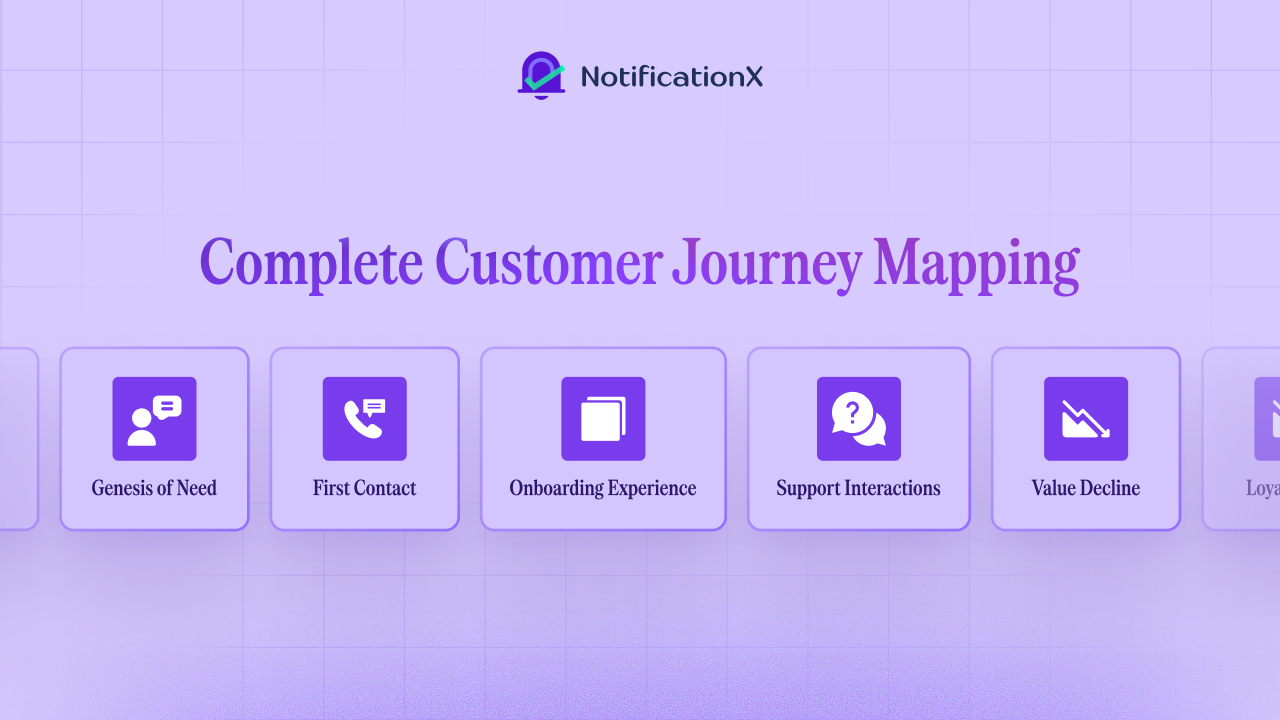
In 2026, understanding the customer experience journey of your brand is crucial for building lasting relationships. A user journey map visualizes the complete experience across every touchpoint.
Understanding User Journeys & Customer Journey Mapping in 2026
A customer journey map is the visual representation of the complete experience a person has with a brand, from awareness to consideration, purchase, retention, advocacy and finally, dissolution. Unlike a traditional marketing funnel, modern journey maps recognize that customer behavior is nuanced, complex and nonlinear. In the age of AI, customers and/or users move variably across channels, devices and touchpoints.
Susan discovers a brand through an Instagram reel on her phone when commuting. Later, she asks ChatGPT ‘What are the best minimalist backpacks for travel?’ and sees the same brand mentioned. She clicks through on a laptop. She browses, compares prices, then abandons the cart.
The next day, an AI-driven retargeting ad follows her on YouTube. Still no purchase. A week later, she sees a friend share the product on WhatsApp, taps the link on her mobile, lands back on the product page, notices real-time purchase notifications and finally checks out. Post-purchase, an email recommends accessories and an AI-powered chatbot handles a delivery question before she leaves a positive review.
What you are seeing here is a representation of what real customer experiences look like in 2026, often motivated by a multitude of factors besides need and awareness alone. They are full of zigzags, pauses, loops and resumes.
The Clusters of Customer Journey Stages
The customer journey is usually clustered into these categories: Awareness, Consideration, Purchase, Service và Loyalty. For the WooCommerce store owners, let us look at these stages from the perspective of eCommerce.
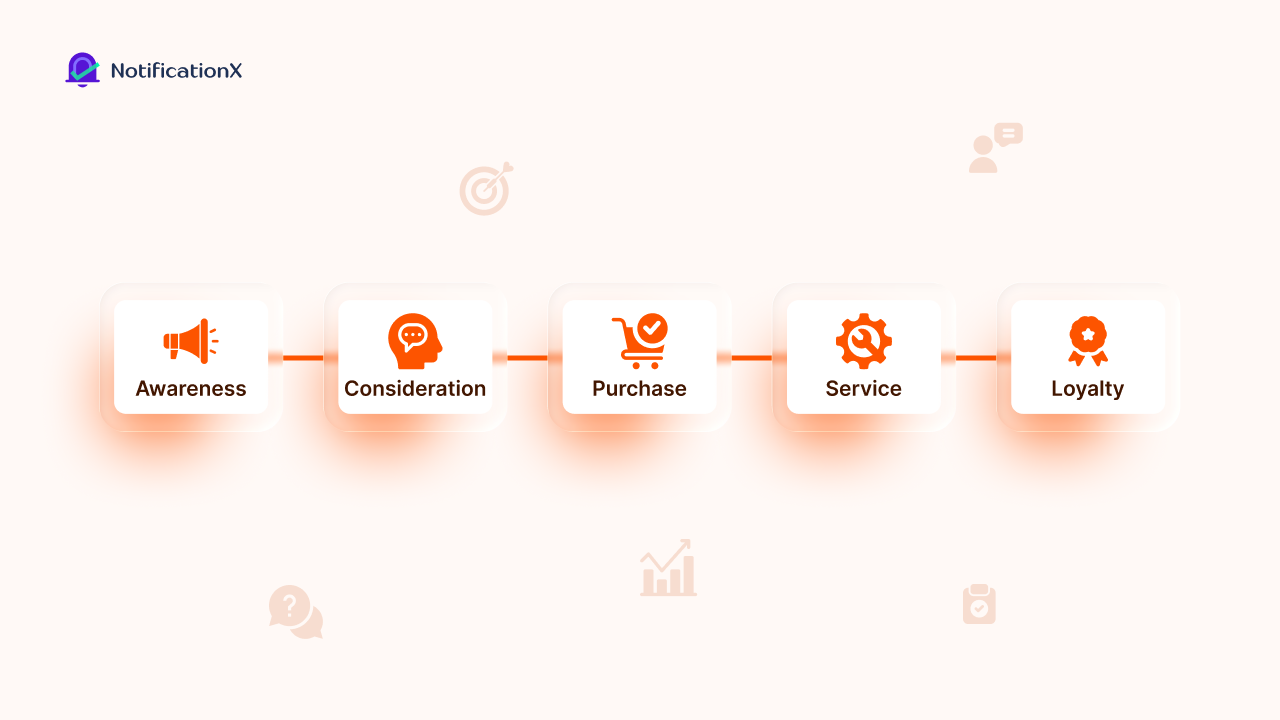
- Awareness: Shoppers first learn about your store through ads, search, influencers, or friends. They feel curious but cautious.
- Consideration: Shoppers browse products, read reviews, and compare prices. Excitement mixes with doubt, especially if pages are slow or unclear.
- Purchase: This covers adding items to the cart, checking out and paying. Complicated forms or hidden fees cause most abandonments.
- Service: After buying, shoppers track orders, return items, or ask for help. Relief can turn to frustration if issues are not fixed. Fast AI chatbots and quick refunds help build loyalty and improve satisfaction.
- Loyalty: Repeat buyers engage through emails, loyalty programs and upsells. They feel proud sharing or reviewing products. Personalized offers and review requests keep them coming back and encourage referrals.
Key Components of a Customer Journey Map
Modern customer journey maps are adaptive, data-driven and holistic. A strong map covers multiple key components and it connects the full customer journey (from first interaction to long-term loyalty) directly to business performance. When done right, it provides a shared view of the customer experience journey and the user journey, grounded in evidence rather than assumptions.
- Personas
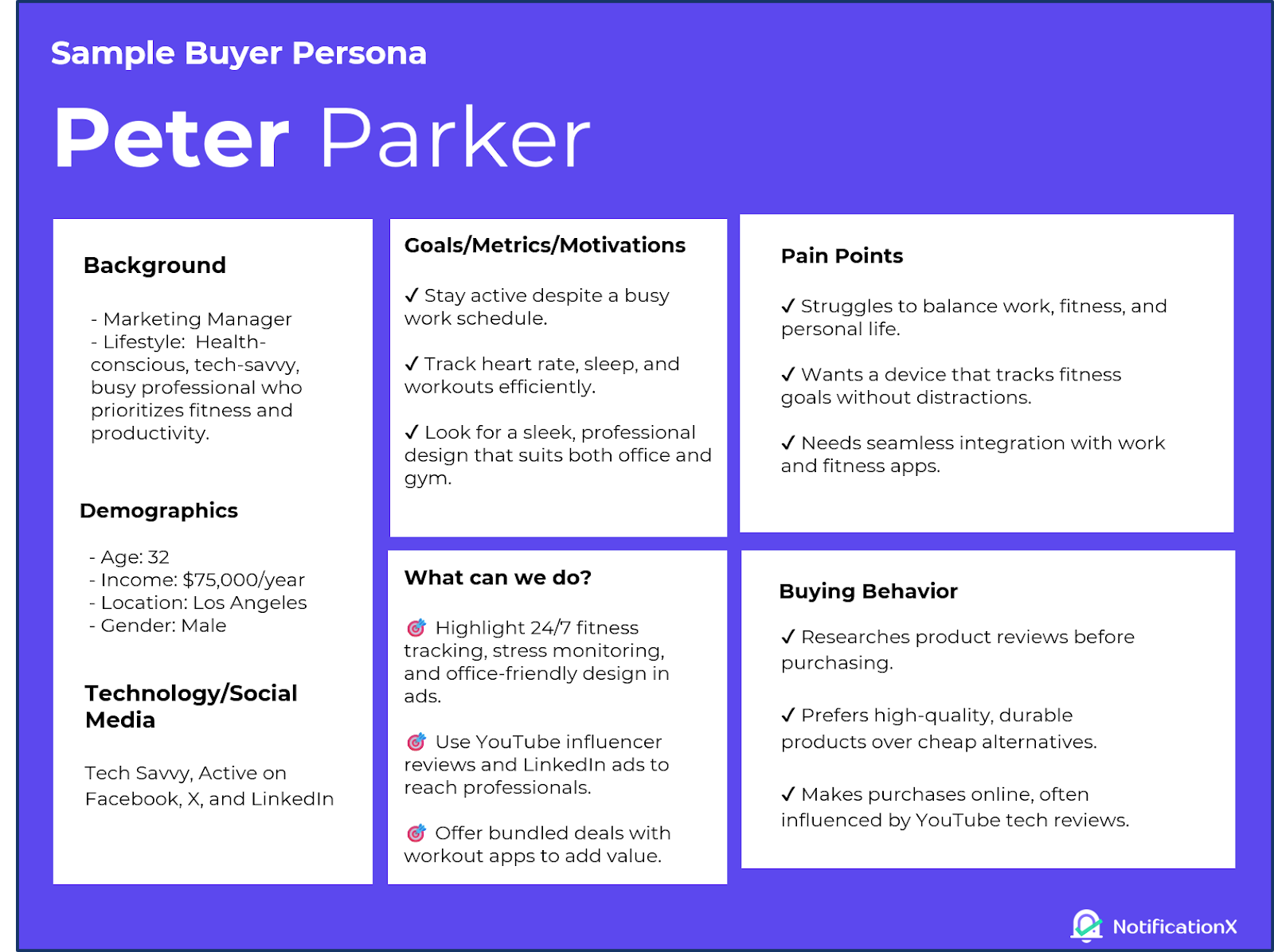
Clear profiles of your most important customer segments, based on real data. Each persona outlines what customers want to achieve, what motivates them, what holds them back and what success looks like. So, the user journey is built around real needs and not assumptions.
- Journey stages
The customer moves through this complete set of stages: Awareness → Consideration → Purchase → Service → Loyalty. These stages should reflect how customers actually move through the customer experience journey, not how your internal teams are structured.
- Customer goals and actions
What customers want to do at each stage and the actions they take, like searching, comparing, leaving, asking for help, or buying. Tracking these actions makes their intent clear and measurable throughout the customer journey.
- Touchpoints, channels and ownership
What are the ways customers interact with your brand? Is it through your website, product, emails, support, or social media? All that is shown alongside who in your team is responsible. This highlights points of friction in the customer journey map.
- Emotions and pain points
How customers feel at each stage of the customer experience journey. Are they frustrated, unsure, or confident? Pain points show where problems in the user journey can hurt purchases or long-term loyalty.
- Data and performance signals
Data, numbers and feedback, like conversion rates, drop-offs, customer satisfaction, Net Promoter Score (a simple metric that measures how likely customers are to recommend your product or service to others) and response times, prove what’s happening and help decide where to improve the customer journey map.

Source: Qualtrics
- Moments of truth
Key interactions that have a big impact on whether customers decide to buy or stay loyal. These moments often determine the success or failure of the customer experience journey.
- Opportunities and interventions
Practical suggestions for each stage of the customer journey, including easy fixes, ways to improve and bigger long-term strategies.
- Constraints and dependencies
Any operational, technical, or policy limits that could get in the way of taking action. Highlighting these keeps the customer journey map practical, aligned and ready to use.
Benefits of Visualizing Your Customer Experience Journey
Visualizing your customer experience journey offers clear benefits for any business. By mapping out how users interact with your brand, you can uncover hidden opportunities, address pain points and facilitate a more satisfying experience that drives growth and loyalty.
- Makes the customer experience visible and actionable across the entire user journey.
- Identifies strengths, weaknesses and gaps such as abandoned carts in a WooCommerce journey.
- Improves customer satisfaction, retention, personalization and data-driven decision-making.
- Aligns marketing, sales and support around a single shared roadmap.
- Pinpoints high-impact actions like increasing referral traffic, triggering post-purchase messages, or highlighting social proof.
- Helps teams fix issues early while prioritizing long-term customer retention.
- Reduces churn and strengthens brand loyalty over time.
- Adapts to different business models, from fashion eCommerce to SaaS.
A Flexible Customer Journey Map Template to Follow
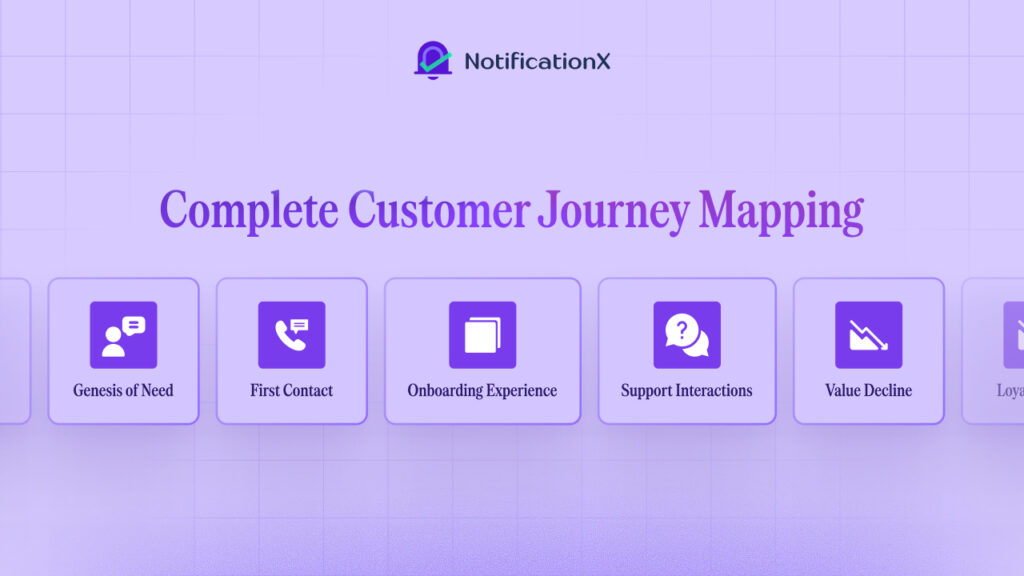
A comprehensive customer journey map template outlines the full lifecycle from the initial need to potential churn. It can be adapted across eCommerce, SaaS, or retail niches, including WooCommerce and Shopify setups. Below is an extensive list of stages you can use for inspiration or as a template to create your own customer journey map, personalized to your business needs.
- Genesis of Need
You identify when your users recognize a problem or desire through ads, SEO, or social media. They may feel curiosity or frustration.
Thí dụ: A potential customer sees your Instagram ad for a seasonal jacket and realizes their wardrobe is missing a statement piece.
Opportunity: show live visitor counts on the product page to create urgency.
- Discovery & Expectation Formation
You map how users explore your brand through social searches, referrals or influencer posts. Emotions include excitement and skepticism.
Thí dụ: A shopper browses your TikTok or Pinterest posts to see how others style your jackets.
Opportunity: Sử dụng recent purchase pop-ups to provide social proof.
- First Contact
You note when users visit your website or landing page for the first time. They may feel intrigue but also experience information overload.
Thí dụ: A visitor lands on your homepage and navigates your “New Arrivals” section, excited but unsure which item suits them.
Opportunity: Trưng bày review notifications to build trust.
- Evaluation & Friction Testing
You track when users compare products or add items to their cart. Hesitation and abandonment are common pain points.
Thí dụ: A customer compares two jackets in different colors and hesitates at checkout. Opportunity: sử dụng FOMO alerts for low stock or limited-time prices.
- Onboarding Experience
You examine how users feel during signup or checkout. They often feel relief mixed with confusion.
Thí dụ: A shopper creates an account to complete their purchase and wonders about shipping options or returns.
Opportunity: Implement an AI-Chatbot to provide customer support and help smooth, facilitating instant answers to all queries.
- Active Use & Value Realization
You follow users as they engage with products and make repeat purchases. They feel satisfaction and dependency.
Thí dụ: A customer wears their new jacket and returns for coordinating accessories or seasonal releases.
Opportunity: Collect reviews and use them as testimonials to showcase on your website.
- Support Interactions & Recovery Moments
You map interactions with your support team, helpdesk or refunds. Users may feel anger or relief.
Thí dụ: A customer requests an exchange for a jacket that does not fit perfectly.
Opportunity: Give personalized apologies or discounts to build a reciprocal relationship.
- Loyalty Loop & Advocacy Potential
You capture when users share referrals or write reviews. Emotions include pride and loyalty.
Thí dụ: A shopper posts an outfit photo on social media, tagging your brand or recommends a friend.
Opportunity: Showcase user-generated content alongside your products.
- Value Decline
You notice when customers start losing interest or stop engaging.
Thí dụ: A shopper has not visited your site in months and misses a new seasonal collection.
Opportunity: Send emails with special offers to spark their interest again.
- Dissolution of Value
You note when users churn or unsubscribe, feeling indifference or loss.
Thí dụ: A shopper unsubscribes from your newsletter after missing a few promotions. Opportunity: Send exit surveys to capture feedback before they leave.
Take a look at Spotify’s User Journey
Looking at Spotify’s user journey illustrates the power of customer journey mapping. Spotify tracks the full music-sharing experience, from downloading the app to reacting to shared tracks. It captures what users do, what motivates them, where they get stuck and how the interface shapes each step across mobile and desktop.

Source: Spotify Newsroom
- Genesis of Need & Discovery
Users realize they want music when they feel bored or annoyed, like during a commute, and discover Spotify through friends’ shares, social posts or ads on Instagram and TikTok. Curiosity kicks in and Spotify fuels FOMO by surfacing viral playlists and visible listener counts that signal what everyone else is playing.
- First Contact & Evaluation
On their first app visit or web search, users explore Spotify’s free version but can feel overwhelmed by the huge number of choices. Spotify counters this with clear homepage recommendations, short preview clips and familiar rating signals that help users trust what to try and keep them interested.
- Onboarding Experience
Upon signup, Spotify asks a few quick questions like which genres users enjoy to personalize the experience. While there is some setup effort, the short onboarding quiz quickly powers recommendations and helps users start listening almost right away.
- Active Use & Value Realization
Users enjoy Spotify’s personalized playlists like “Discover Weekly,” which surprise them with perfect song choices. To keep them coming back, Spotify sends daily push notifications that remind and encourage users to keep listening.
- Support Interactions & Recovery
Spotify supports users through multiple channels: a Help Site with guides and FAQs, a Community Forum for peer and expert advice, direct contact via AI-assisted chat with customer reps and responsive support through their “SpotifyCares” X-account, including regional accounts that focus on local users.
- Loyalty Loop & Advocacy
Users share playlists and react to friends’ tracks, feeling pride and connection. Spotify Wrapped highlights yearly listening, making it easy to share on social media and encouraging others to join, which boosts referrals.
- Value Decline & Dissolution
Spotify brings users back with a free version that keeps them listening but nudges them towards resubscribing by gating key elements, such as unlimited access to personalized music recommendations. Social sharing, Spotify Wrapped, more content types, and usage data help keep the app useful before people lose interest completely.
With that case study to fortify your understanding of user experience and customer journey maps, let us look at some tools you can use to visualize and create maps for your brand.
Tools You Can Use to Create Your Customer Journey Maps
Creating a customer journey map is a whole lot easier when you have the right tools at your disposal. To visualize key touchpoints, track customer behaviour, or really get to the bottom of customer engagement, the following tools help you take the insights you gather and turn them into practical strategies that actually work.
Dedicated Mapping Software
Tools like UXPressia, Miro and Smaply let teams build collaborative journey maps with templates, real-time editing, AI-assisted personas and data imports. You can visualize touchpoints across eCommerce or SaaS workflows. Lucidchart và Mural offer large canvases for complex diagrams, letting you annotate pain points and share with stakeholders.
WordPress Plugins And Integrations
There are no plugins specifically for journey mapping in WordPress, but with page builders like Gutenberg or Elementor, you can create interactive maps. Tools like NotificationX provide real-time analytics (sales notifications, engagement points) that you can overlay on your manual maps for WooCommerce sites. You can also embed external tools like Canva designs using plugins such as EmbedPress.
Bonus: Creating a WooCommerce Customer Journey Map with NotificationX
If you are on WordPress using WooCommerce, NotificationX helps turn your customer journey map into action. Spark curiosity with live purchase alerts, boost trust with reviews and nudge repeat purchases. With NotificationX, add social proof throughout the customer journey, reducing friction, increasing engagement and turning shoppers into loyal advocates.
Give Meaning to Customer Experiences. Start Mapping User Journeys
Customer journey mapping can be fun! Treat it like a visual exercise and a strategic tool. By following the full experience from discovery to loyalty and using real research, you give marketing, sales, product and support teams a shared plan. This helps you make better decisions, build stronger customer relationships and grow loyalty.
Which of these strategies are you using to optimize your customer journey? If you are curious for more, be sure to visit our trang blog và tham gia của chúng tôi thriving Facebook community of marketing enthusiasts just like you!




 English
  Arabic
  Indonesian
  Spanish
  Bengali
  Portuguese
  German
  Dutch
Dutch  Russian
  Hindi
Hindi  French
  Japanese
  Chinese
  Vietnamese
  Malay
Malay