
For any online business or blog, converting visitors to customers is the ultimate goal. Whatever your goal is, capturing your visitors’ attention with the right message at the right time is key to increasing sales, building your email list or getting more engagement on your WordPress site. Using announcement notifications on WordPress is one of the best ways to accomplish this. With these pop-up banners or notifications, you get the attention of your visitors by communicating important messages, offers, or updates.
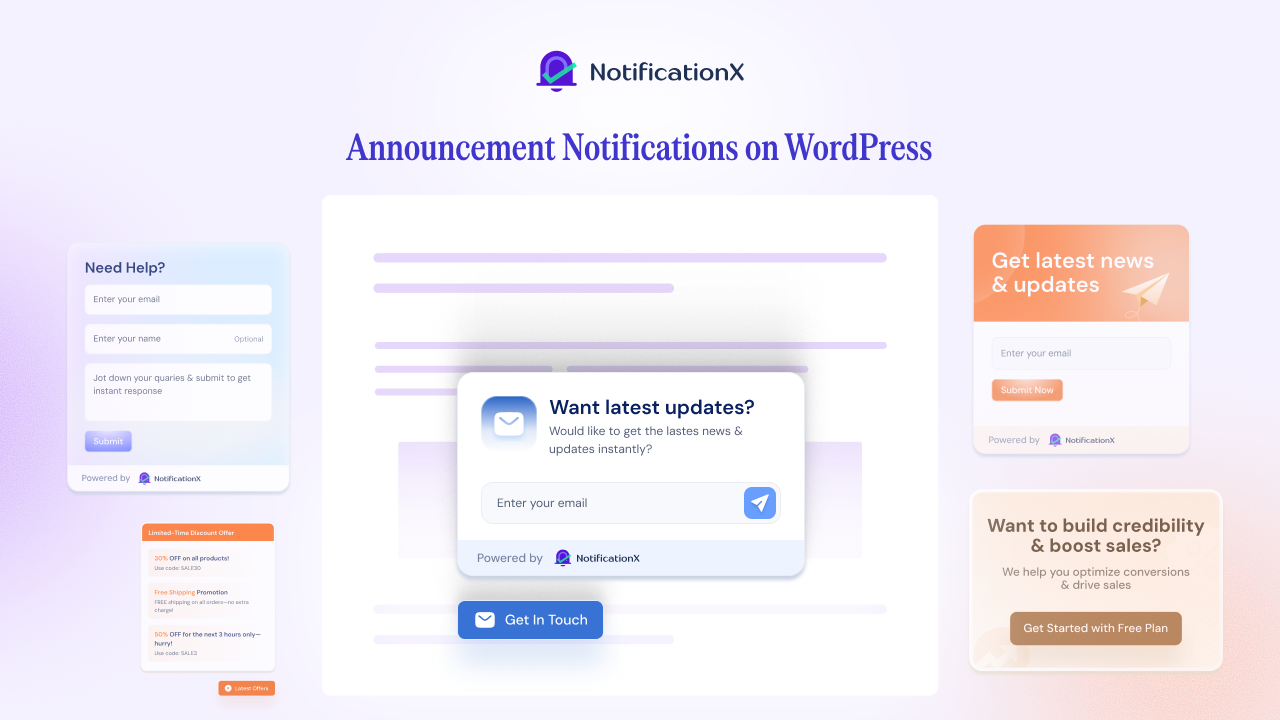
Throughout the guide, you will learn how to use announcement notifications on your WordPress site. We will cover everything from how to set up the tool to customizing it and best practices, so that you can maximize conversions and engagement with your customers.
What Are Announcement Notifications?
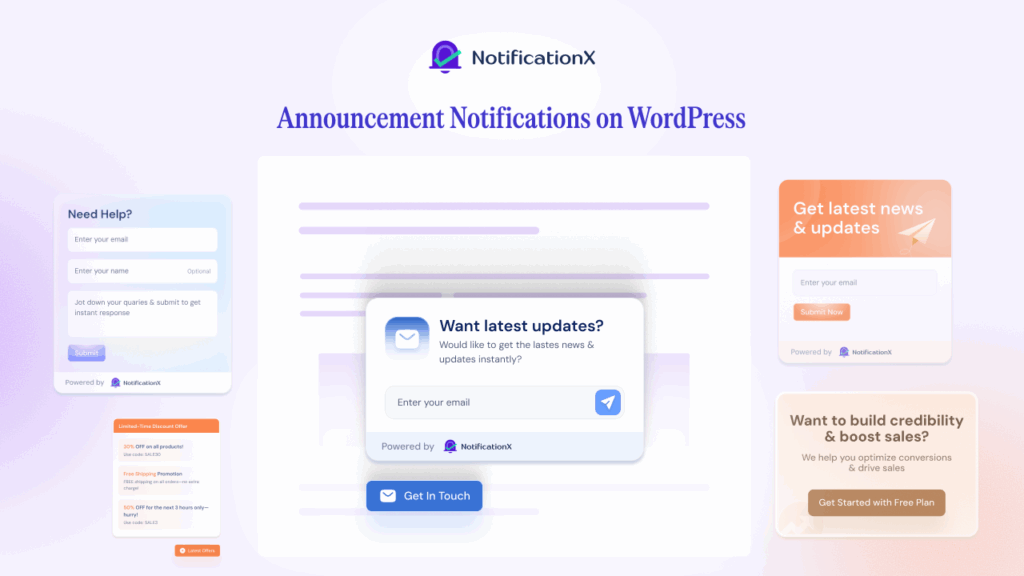
A website announcement notification displays important information with a pop-up banner or message that helps you drive website conversions. Visitors are attracted to these notifications right away because they catch their attention immediately. You can place them anywhere on the page and you can customize them to match your site. The most common use of them is:
- Advertise discounts, sales, or offers (e.g., “20% off your first purchase!”).
- Promote new products or content (e.g., “New Blog Post: How to Boost Your SEO”).
- Gather feedback or leads from users (e.g., “Sign up for our newsletter and receive 10% off!”).
- Display site-wide updates (e.g., “Terms of Service are being updated”)
Let us have a look at a few examples & how these notifications on your WordPress help you drive conversions.
Opt-in Banner/Top Bar
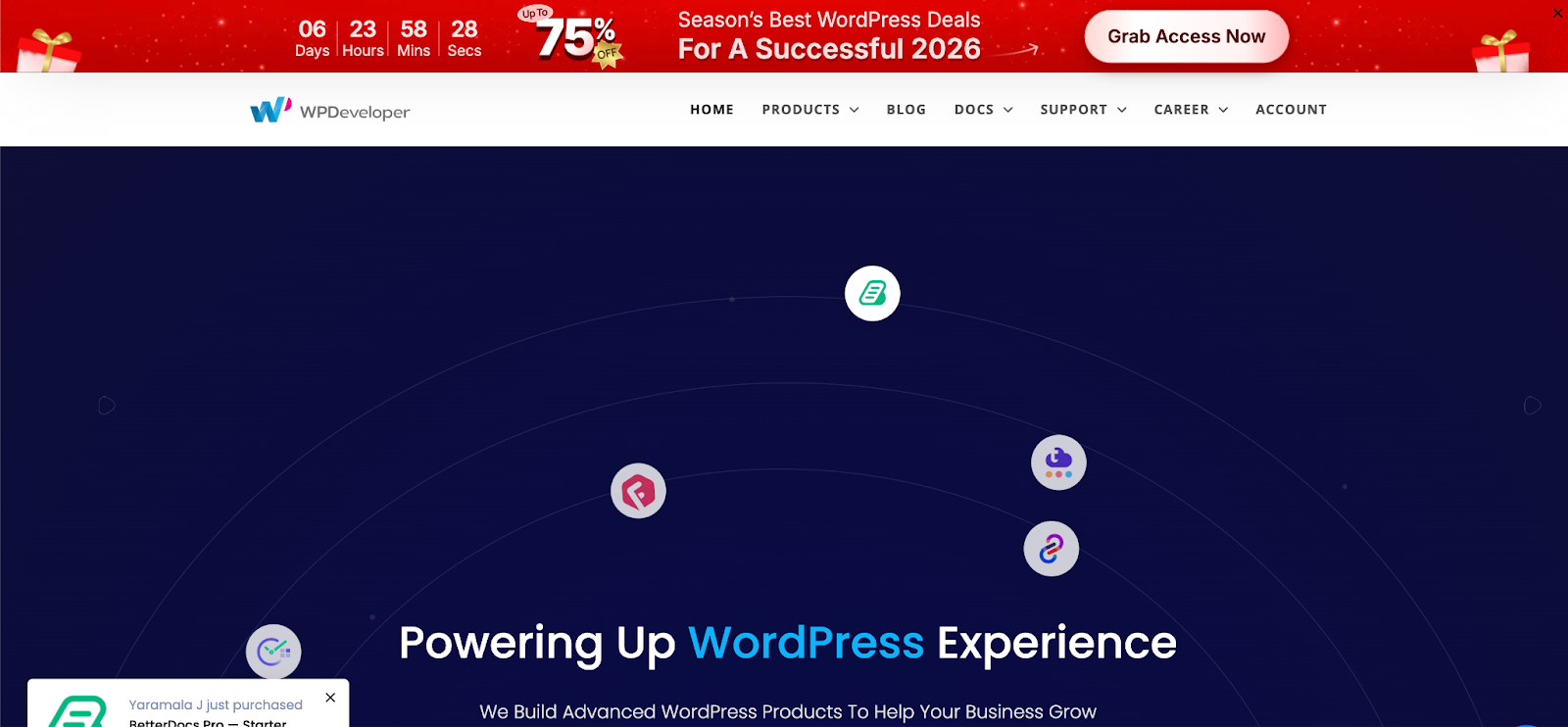
An Opt-in Banner hoặc Top Bar notification is a prominent message that typically appears at the top of a webpage. It is an excellent way to capture attention without being intrusive, as it stays at the top of the page but does not block the main content.
How it helps conversions:
This type of notification is ideal for encouraging visitors to take immediate action. Common use cases include collecting email sign-ups or promoting discounts.
For example, you could see the attached image where a deal is portrayed clearly via an opt-in banner. For campaigns like Black Friday, Cyber Monday, Halloween & others, this top bar draws attention & boosts your sales results.
This is an effective method for driving lead generation, building a subscriber list, campaign sales & more. It encourages users to act fast, and since it stays at the top of the page, users are reminded throughout their visit.
Exit-Intent Popup/Pop-up Banner
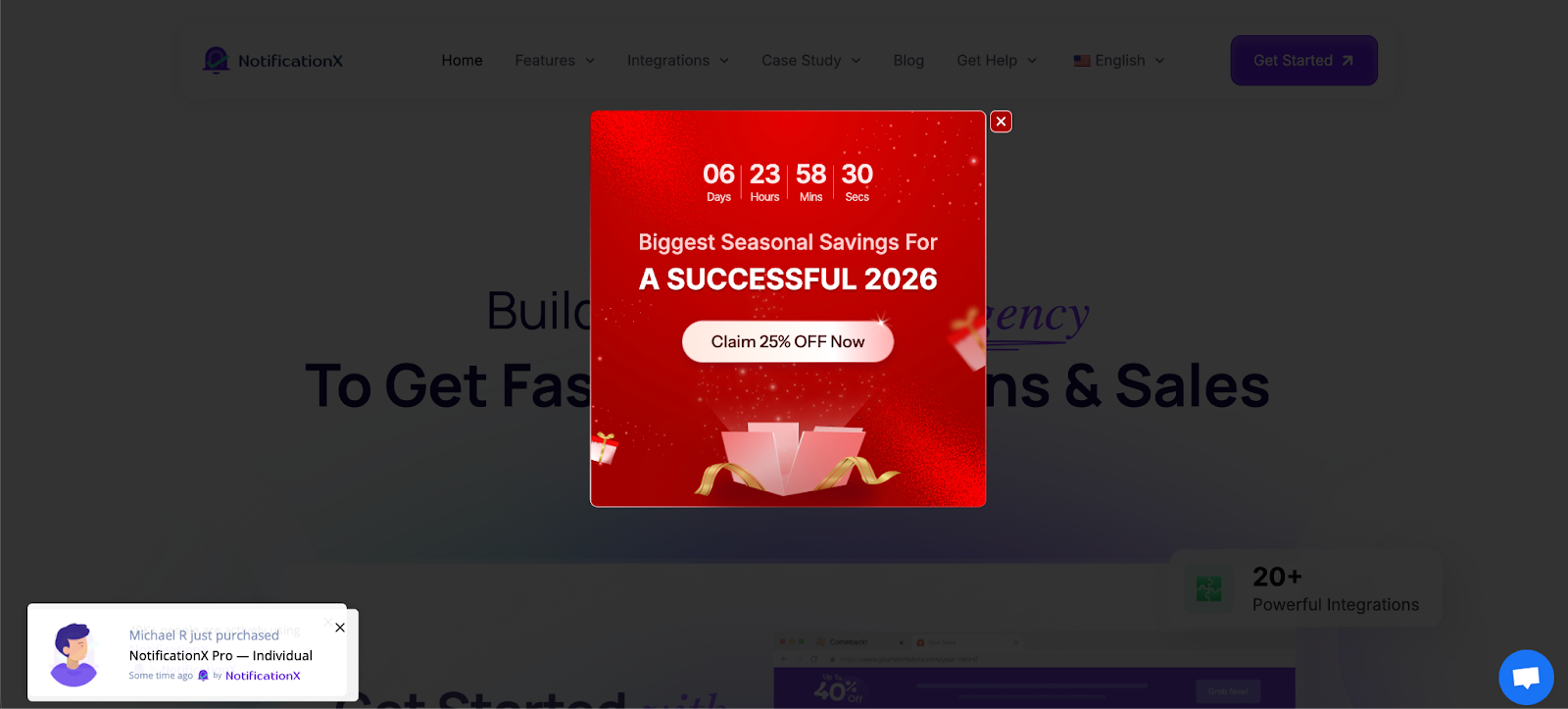
An Exit-Intent Popup is a type of notification that triggers when a visitor’s mouse moves toward the top of the screen, signaling an intent to leave the page. It can also be triggered when users hover over the browser’s back button or close tab button.
How it helps conversions:
Exit-intent popups are a powerful tool for reducing cart abandonment và recovering lost leads.
For instance, if a user is about to leave your eCommerce site without making a purchase, you could display a message like “Wait! Don’t leave without your 15% discount. Grab it now!” This notification is an ideal way to offer a last-minute deal and convince users to stay or complete their transaction.
It can also be used for feedback collection, where you ask users for their opinion on why they are leaving, helping you improve your site and increase future conversions.
Flashing Tab Notifications
Flashing tab notifications are messages that appear in the browser tab itself. They typically display a brief message, such as “New Offer!” or “Check out our new blog post!” When users navigate away from the site, the tab flashes to grab their attention and encourage them to return.

How it helps conversions:
Flashing tab notifications work wonders for keeping users engaged, even when they leave the website.
For example, if a user clicks away from your page but a notification flashes in their browser tab saying “Hurry, 20% off ending soon!” it might encourage them to return and complete their purchase.
This method serves as a constant reminder of the offer, keeping your website fresh in the user’s mind and potentially increasing the chances of them coming back.
Why Should You Use Announcement Notifications?
Announcement notifications are a powerful tool to grab your visitors’ attention and encourage immediate action. Whether it is promoting a sale, announcing a new product or collecting feedback, these pop-up notifications allow you to deliver important messages directly to your audience in a non-intrusive way.
In this section, we will highlight why announcement notifications are a must-have for increasing interaction and conversions on your website.
- Drive Immediate Action: Whether it is an exclusive offer, a limited-time discount, or a new product announcement, you can motivate visitors to take action right away.
- Increase Engagement: Announcement notifications would be a more effective way to engage visitors with relevant content, special offers, or valuable calls to action than a static website.
- Improve User Experience: Using announcements on your website will help you highlight important information without cluttering it up. The notifications keep users informed about sales, new features, and upcoming events.
- Lead Generation: You can collect leads and grow your email list with announcement notifications that use customizable fields (like name, email, and message).
- Drive Conversions: A well-placed notification can lead to higher conversion rates if you promote products, services, or sign-ups.
How to Create Announcement Notifications on WordPress?
Announcement notifications are a great way to grab your visitors’ attention and boost conversions on your WordPress site. Whether you want to promote a sale, share new content, or gather leads, adding notifications can drive engagement with ease.
To simplify the process, you can use a solution like NotificationX. It allows you to create customizable opt-in banners, exit-intent popups, and flashing tab notifications quickly, helping you boost user engagement without the need for coding.
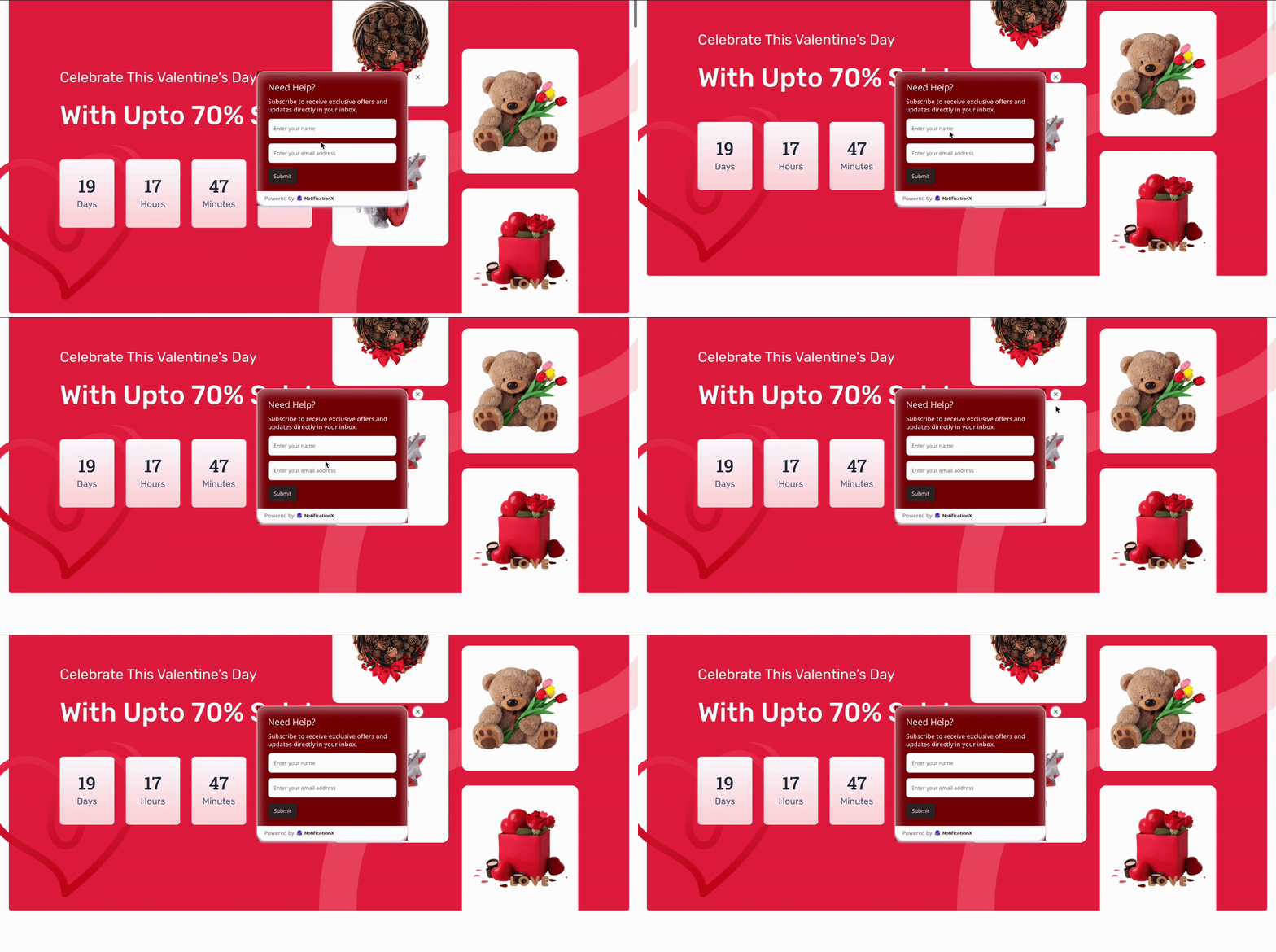
Whether you are aiming to highlight a special offer, share a video or gather user feedback, NotificationX allows you to craft eye-catching, interactive announcements that capture your visitors’ attention and drive conversions.
Tìm hiểu thêm: How to Show Announcement on WordPress Website with NotificationX
Best Practices for Announcement Notifications
Following best practices will help you make announcement notifications more effective. The best way to boost engagement and conversions is to craft clear messages, create urgency, personalize content, and test different approaches.
- Simple, Clear and Direct: Keep your visitors’ attention by not giving them too much information. Keep your message simple, clear, and easy to understand.
- Take One Action At A Time: You should only ask for one action in your CTA. Make sure visitors do not have to do too much in one notification.
- Mobile Responsive: Always make sure that your notifications are mobile responsive. Otherwise, a bunch of mobile users will not convert into conversions.
- Maintain Design Consistency: Make sure your notifications are in line with your website’s branding. You should ensure that the colors, typography, and overall design of your site match the theme of your site.
- Try Different Messages: Take advantage of urgency-driven messaging, such as “Limited Time” and “Only a Few Left.”
Enhance Conversions with Targeted Announcement Notifications
An announcement notification is a crucial tool for enhancing conversion rates on your WordPress site. It is possible to make your visitors feel that your site is relevant and urgent by offering timely updates, promotions, or offers in a non-intrusive way. NotificationX makes it easy and quick to set up and customize these notifications, allowing them to seamlessly integrate into your site.
In NotificationX, we’re releasing features on a regular basis. If you want to keep yourself updated, be sure to visit our blog page and join our thriving Cộng đồng Facebook of marketing enthusiasts just like you!


 English
  Arabic
  Indonesian
  Spanish
  Bengali
  Portuguese
  German
  Dutch
Dutch  Russian
  Hindi
Hindi  French
  Japanese
  Chinese
  Vietnamese
  Malay
Malay