
Most shoppers do not finish what they start. They add a product, get distracted, then leave the tab open and forget. Across eCommerce, roughly seven in ten carts are abandoned. That is a huge slice of revenue walking out the door every day.
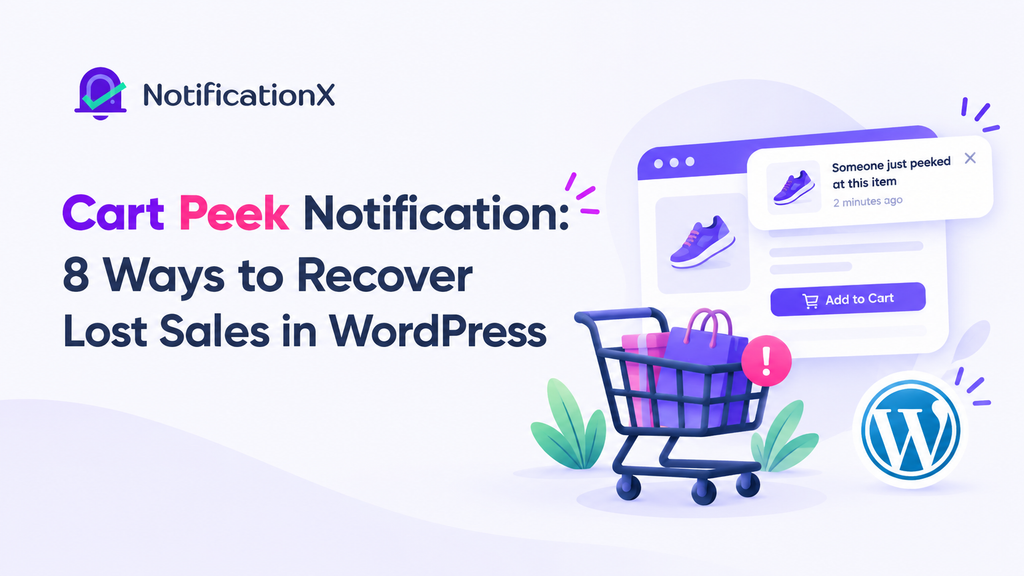
A cart peek notification helps you win some of it back. It gives visitors a glance at what is already sitting in their cart, right when they need a small nudge to finish the purchase. No pushy popups. No hard sell. Just a subtle reminder that links straight to checkout.
The setup takes a few clicks with NotificationX. But the real question is not how to build one. It is when to use one. This guide shows you the best cart peek notification use cases, so you know exactly where it will move the needle.
What Is a Cart Peek Notification?
A cart peek notification is a small preview of the items a visitor has added to their cart. It sits quietly on the page and shows what is waiting for them. It also links straight to checkout, so one click takes them to the last step.
Think of it as a gentle tap on the shoulder. The shopper already showed interest. They picked a product and added it. The notification simply keeps that choice in view so it does not slip their mind.
That small reminder is what makes it such a strong tool to reduce cart abandonment. Now let us look at where it works best.
8 Cart Peek Notification Use Cases That Recover Sales
The same notification type fits many kinds of stores and moments. Here are eight practical ways to put a cart peek notification to work.
1. Recover Abandoned Carts on WooCommerce Stores
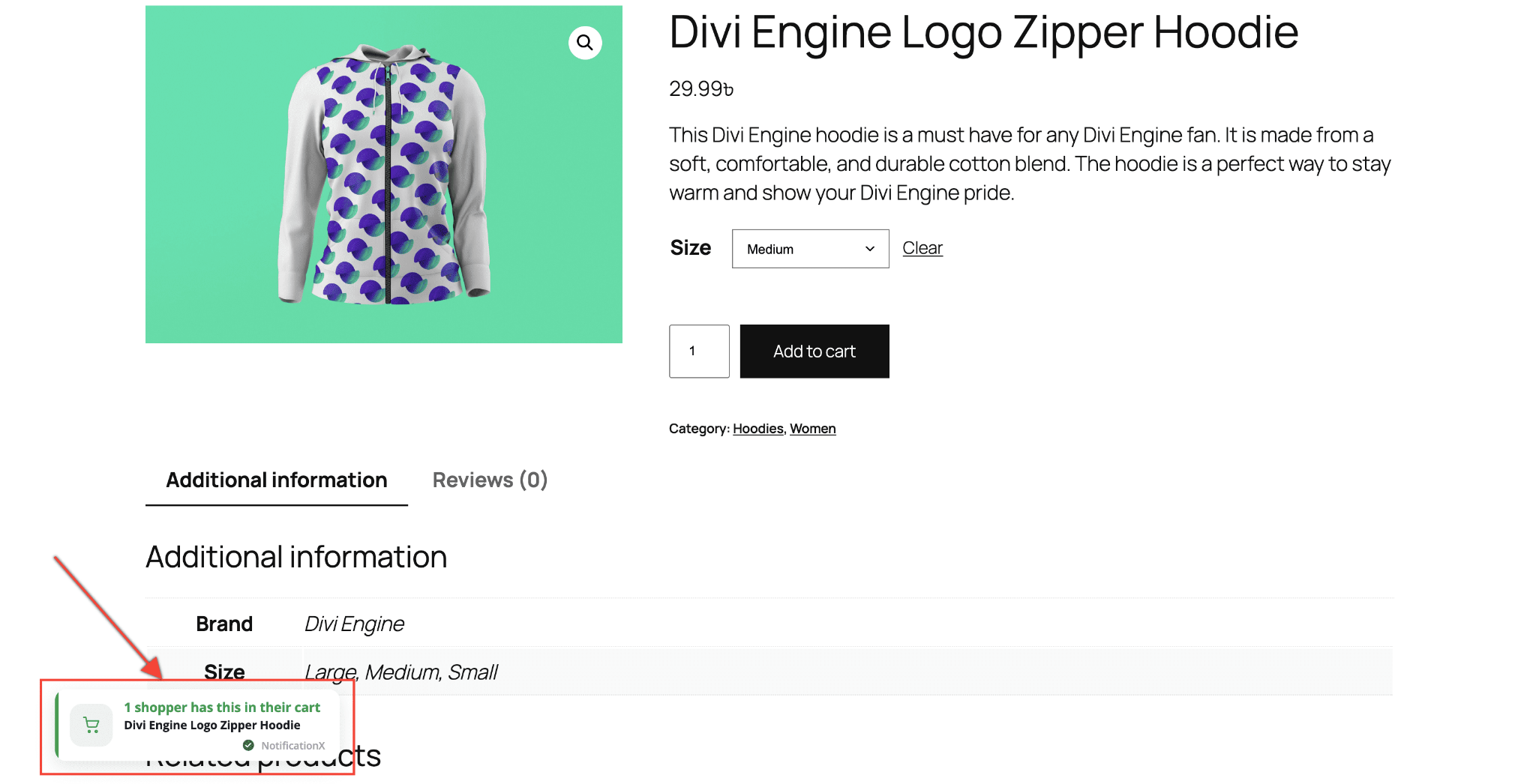
This is the core use case. A shopper adds a product, browses on, then starts to drift. A cart peek notification keeps the cart in view and reminds them it is still there.
For a busy WooCommerce store, this runs on every product without extra effort. You set it up once, and it quietly works to reduce cart abandonment across your whole catalog. It is the simplest way to plug a leak that costs most stores real money.
2. Push Shoppers Over the Line During a Flash Sale
Urgency and reminders work well together. During a flash sale or limited-time deal, a shopper may add items but hesitate. A cart peek notification keeps the cart in front of them while the clock is ticking.
Pair it with your sale messaging, and you turn a maybe into a purchase. The shopper sees the cart, remembers the deal, and acts before it ends. This is a strong partner to your FOMO and urgency campaigns.
3. Nudge Buyers Toward a Free Shipping Threshold
Shipping cost is one of the top reasons people abandon carts. A cart peek notification can help here in a smart way. When a shopper is close to a free shipping minimum, the cart preview reminds them what they have added.
Seeing the cart total often pushes them to add one more item or just check out. You turn a friction point into a reason to buy. That is a clean way to lift both conversions and average order value.
4. Rescue High-Value or Considered Purchases
Expensive items get more thought. Shoppers compare, leave, and come back later. During that back-and-forth, it is easy to lose track of a cart.
A cart peek notification holds the item in view across the visit. For furniture, electronics, courses, or any considered purchase, that steady reminder keeps the product top of mind. It gives the slow decision a gentle, patient nudge instead of a hard push.
5. Catch Mobile Shoppers Before They Bounce
Most carts are abandoned on phones. Mobile screens are small, tabs pile up, and distraction is constant. A shopper can lose their cart in seconds.
A cart peek notification with mobile visibility turned on keeps the cart one tap away. This matters because mobile abandonment runs even higher than desktop. Meeting shoppers where they browse is one of the highest-impact moves you can make.
6. Remind Shoppers With Multiple Items in Their Cart
A bigger cart is a bigger opportunity. When a shopper has added several products, the value of finishing the order goes up. It also gets easier to forget everything that is in there.
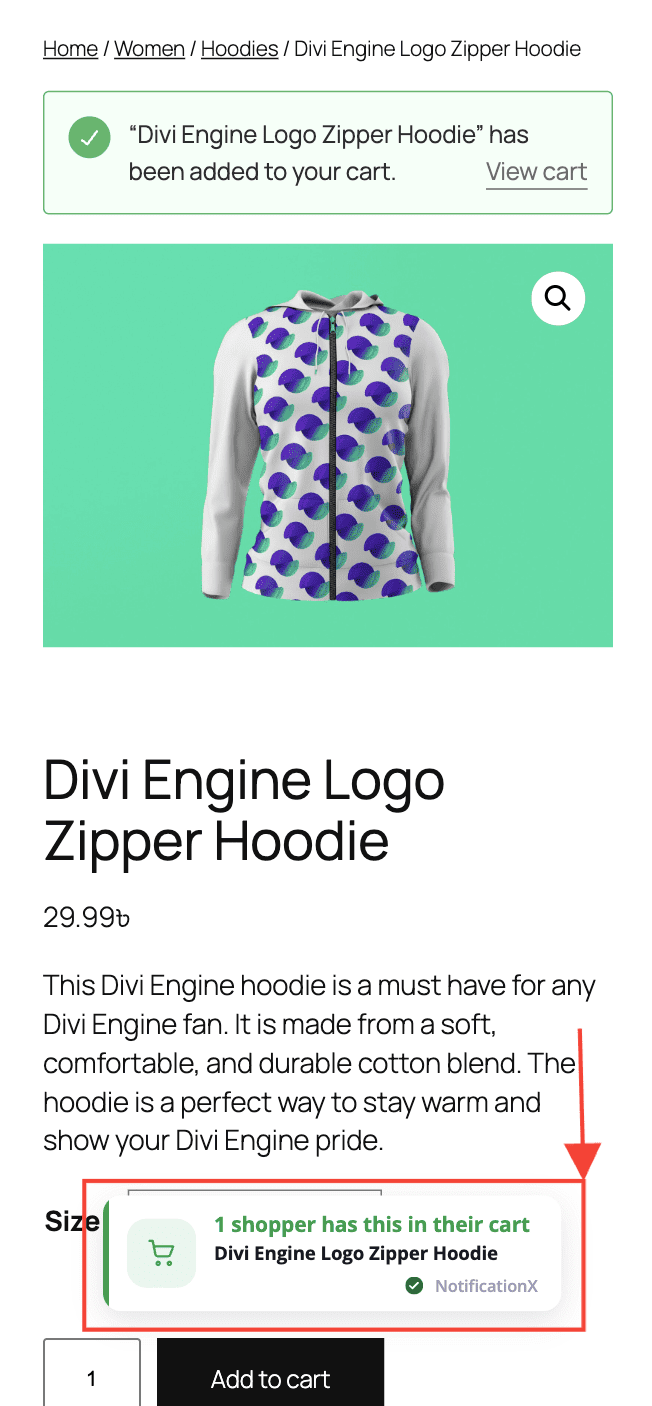
A cart peek notification shows the full cart at a glance. The shopper sees the total they have built and feels the pull to complete it. This protects your largest, most valuable carts from slipping away.
7. Boost Sales During Black Friday and Holiday Peaks
Traffic spikes during big sale seasons. So does competition for attention. Shoppers open many tabs and jump between stores. A cart peek notification helps your cart stay memorable in the noise.
Holiday shoppers also carry stronger buying intent, so a small reminder converts well. Turn it on before Black Friday, Cyber Monday, or a seasonal sale, and you capture more of that high-intent traffic before it moves on.
8. Recover Digital Product And Membership Carts
Cart peek is not just for physical goods. It works for digital downloads, memberships, and courses too. These buyers often browse, add, and stall while they weigh the choice.
A cart peek notification keeps the offer in view and links straight to checkout. For an Easy Digital Downloads or membership store, that steady reminder helps close sales that would otherwise fade.
Why the Cart Peek Notification Works
The reason is simple psychology. A lot of abandonment isn’t a hard no. Shoppers get distracted or aren’t ready yet, and a light reminder helps those who still want the item. The shopper wanted the item but got pulled away.
A cart peek notification works with that behavior instead of against it. It does not badger the visitor. It just keeps their own choice in view and makes the next step easy. Because the shopper already showed intent, a light reminder is often all it takes.
That is also why it pairs so well with the rest of your social proof and FOMO tools. Together they guide visitors from interest to checkout without ever feeling pushy. You can layer it with an exit intent popup and FOMO alerts for a full recovery system.
How to Set It Up (Quick Version)
The build is fast. Here is the short path to a live cart peek notification in NotificationX. You will need both the Free and PRO versions installed and activated, since this is a PRO feature.
- From your WordPress Dashboard, go to NotificationX and click Add New.
- On the Source tab, add a title and select Cart Peek as the type.
- On the Design tab, pick a theme or use Advanced Design to match your branding.
- On the Content tab, set the headline, message, and checkout button text.
- On the Display tab, choose where and to whom the notification shows.
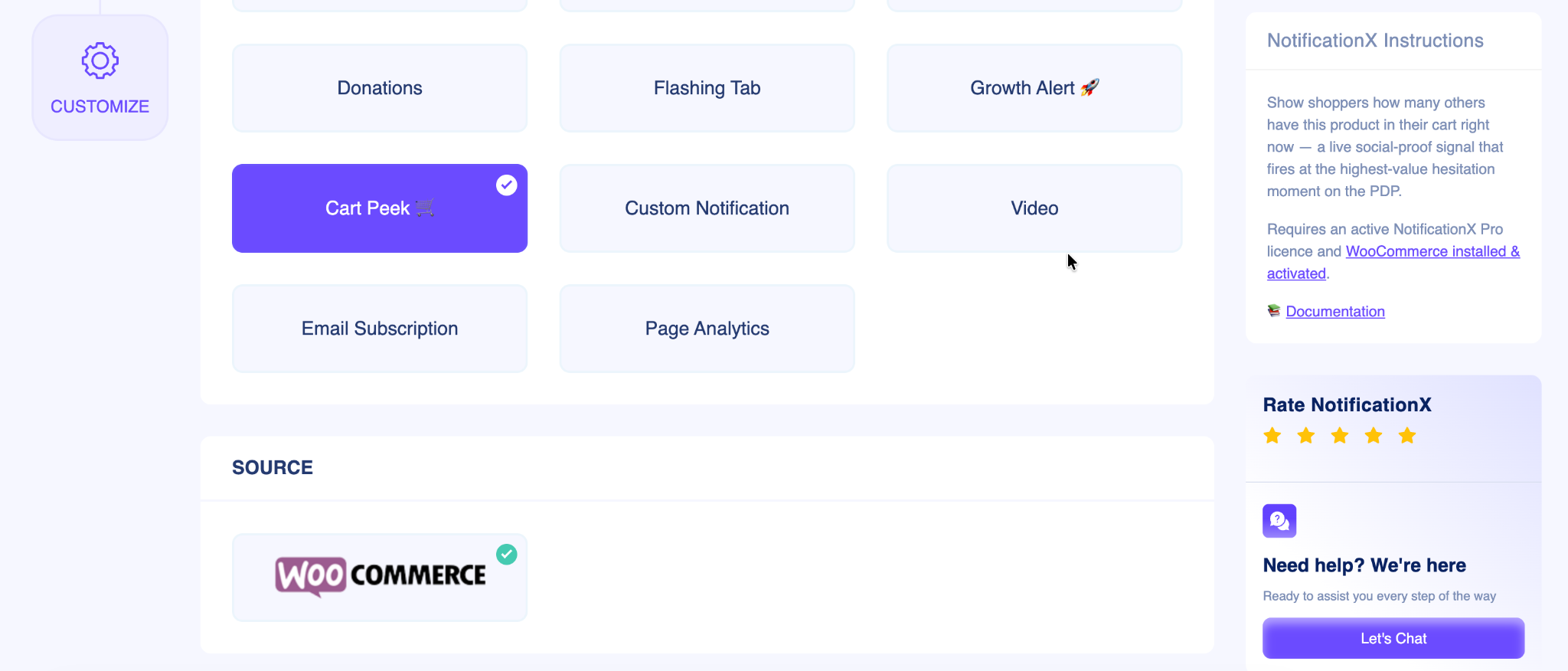
- On the Customize tab, set the position, mobile visibility, and timing, then click Publish.
That is the whole flow. For a full walkthrough with screenshots, see the cart peek notification documentation.
Tips to Get the Most From Each Use Case
A few small choices make your cart peek notification work harder, whatever the use case.
- Keep the copy short. A brief, friendly line beats a long sales pitch. Let the cart preview do the work.
- Match your branding. Use the Advanced Design controls so it looks like part of your store.
- Mind the mobile view. Most carts are abandoned on phones, so always check the small screen.
- Time it well. A short delay feels natural. Too fast can feel pushy, and too slow can miss the moment.
- Test the button. Make the checkout call-to-action clear and easy to tap. This is the click that matters most.
Start Recovering Lost Sales With Cart Peek
A cart peek notification is a small tool with a wide reach. It fits WooCommerce stores, flash sales, free shipping offers, high-value items, mobile shoppers, big carts, holiday peaks, and digital products alike.
The thread that ties them together is simple. In each case, a shopper showed interest and then got distracted. A well-timed cart preview brings them back and helps you recover lost sales without hurting the experience.
Pick the use cases that match your store, turn it on, and let it work quietly in the background alongside the rest of your social proof toolkit.
If you run into any trouble, reach out to our Support Team.
Do not forget to subscribe to our blog for more conversion guides. You can also join our Facebook Community to swap tips with other store owners.




 English
  Arabic
  Indonesian
  Spanish
  Portuguese
  German
  Dutch
Dutch  Russian
  Hindi
Hindi  French
  Japanese
  Chinese
  Vietnamese
  Malay
Malay