
You have probably felt it. You ask an AI to write a product announcement and back comes something polished, grammatically perfect and completely soulless. It could belong to any brand on the internet. The em-dashes are in place, the “in today’s fast-paced world” is doing its thing and none of it sounds like kamu.
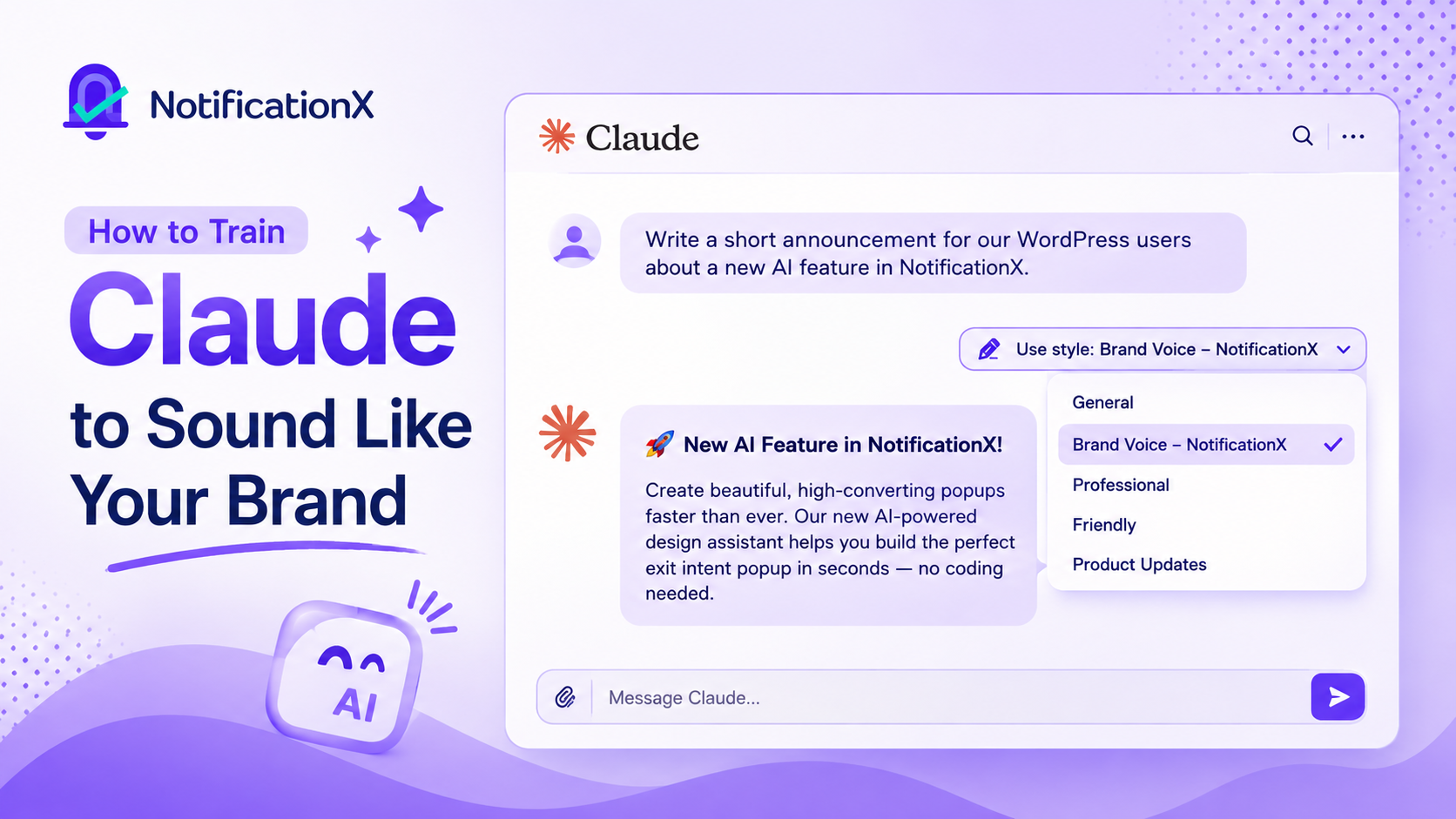
For a WordPress business, that gap is expensive. Your brand voice is not just your blog posts. It is the two-line sales notification a visitor sees in the corner of the screen. It is the copy in your announcement bar. It is the FOMO alert that nudges someone toward checkout. These tiny pieces of text do a lot of heavy lifting and when they sound generic, they quietly reduce the trust you have spent years building.
The good news: Claude is one of the easier AI assistants to shape around a specific voice, because Anthropic has built dedicated features for exactly this.
Below is a practical, repeatable guide to how to train Claude to sound like your brand. It shows you how to create a consistent AI brand voice and generate content that feels like it came from your own marketing team. If you are wondering how to make Claude sound like your brand, the answer is less about finding one perfect prompt and more about giving Claude the right examples, context and rules.
First, Understand What “Brand Voice” Actually Is
Whether you use Claude as your AI writing assistant for blogs, emails, or marketing copy, teaching it your brand voice is the foundation of consistent content. If you are asking how to teach Claude your brand voice, start with the real examples and rules that make your writing recognisable. Before you touch any settings, get clear on what you are trying to teach.
“Professional but friendly” means nothing to an AI, because it means something different to every person who reads it. Your brand voice is really a stack of concrete, describable choices:
- Tone: Are you playful, authoritative, warm, blunt, reassuring? Pick two or three words and be honest about them.
- Vocabulary: Words you always use (and words you would never be caught using). Do you say “customers” or “members”? “Buy now” or “grab yours”? Do you avoid hype words like revolutionary dan game-changing?
- Sentence rhythm: Short and punchy? Longer and considered? Do you open with questions? Use fragments for emphasis?
- Structure and formatting: Do you lean on bullet points, or write in flowing paragraphs? How much do you use emphasis, emoji, or headers?
- What you do not do: Often the fastest way to define a voice is to list what’s off-limits. No exclamation-point stacking. No fake urgency. No corporate jargon.
Write these down. This document becomes the raw material for everything that follows and it is the single highest-leverage thing you can do. A vague description produces vague results every time.
The Four Layers Claude Gives You
Claude does not have one big “be my brand” button. Instead, it gives you three tools that stack on top of each other and the trick is knowing what each one is for.

1. Styles control how Claude writes: tone, voice, sentence length, vocabulary, formatting. This is the layer that most directly shapes your brand voice and it applies per chat from the “Use style” menu. In other words, a Claude custom style is where you shape the way Claude sounds.
2. Projects control what Claude knows and how it behaves inside a specific workspace. These Claude Projects keep your brand context organised. A Project holds a knowledge base (your brand guidelines, past copy, product details) plus its own instructions. Think of a Project as a dedicated room where Claude already has all your context loaded.
3. Instructions for Claude are your account-wide rulebook, set once in Settings and applied to every conversation.
4. Skills control how Claude does a specific, repeatable task. A Skill is a reusable set of instructions, the steps, templates and reference files Claude should use whenever a particular job comes up, like building an on-brand pitch deck or writing your weekly newsletter in your exact format. Unlike a Project’s always-on knowledge or account-wide instructions, a Skill only switches on when the task in front of Claude actually calls for it. You add your own in Settings, and once it is there Claude reaches for it automatically. Think of a Skill as a trained specialist you keep on call: it stays out of the way until the exact job it was built for lands on the desk, then runs that job your way every time.
The mental model worth remembering: a Style gives Claude your voice, a Project gives Claude your knowledge, a Skill gives Claude your repeatable how-to, and account instructions set the baseline.
Used together, they close most of the distance between generic AI output and copy that sounds like it came from your team. This is the practical foundation for how to customize Claude for your brand without turning every prompt into a long brand brief. Here is how to set each one up.
How to Train Claude to Sound Like Your Brand
Your brand voice is not just your blog posts; it is everything happening on your website. Here is how to train Claude to write all of it in a voice that sounds unmistakably like you, not like generic AI.
Step 1: Gather Real Samples of Your Voice
Claude learns your voice far better from examples than from adjectives. Pull together three to five pieces of your terbaik existing content: the copy that sounds most like your brand at full strength. A homepage section, a strong email, a product description you are proud of, a couple of social posts.
Variety helps. If you can include a short punchy piece and a longer explanatory one, Claude gets a sense of how your voice flexes across formats. Avoid anything that was already AI-written or heavily edited, since that is exactly the flattened tone you are trying to escape.
Step 2: Build a Custom Style
A custom style is also where you can shape your Claude writing style for different types of content while keeping the core brand voice consistent.
This is the core move and it takes about two minutes. Open the “Use style” menu in the chat toolbar and choose to create a custom style. Claude gives you two paths:
1. Add a writing example: paste in one of your strong samples. This is the faster path and almost always produces a closer match, because Claude reverse-engineers the patterns rather than guessing from a description.
2. Describe the style: if you do not have a clean sample handy, you can spell out your tone, audience and voice in words instead.
Use the writing-example route whenever you can. Once Claude generates the style, give it a memorable name (something like “Brand Voice: Marketing”) and save it. From then on, you select that style and every reply follows it, without you re-explaining your tone in each prompt.
The best part is that styles are editable in plain language. If the first version runs a little stiff, just tell it “make this less formal” atau “shorter sentences, more energy.” You are not writing configuration files; you are coaching a new writer.
Anthropic also ships a few built-in presets (Normal, Concise, Explanatory, Formal and a Learning style) that are worth knowing about, but for brand work you will want your own custom style doing the driving.
Step 3: Set Up a Project for Context
If you are asking how to get Claude to write in your brand voice beyond a single chat, this is the step that gives your custom style the business context it needs.
A Style nails how you sound. A Project makes sure Claude also knows what it is talking about.
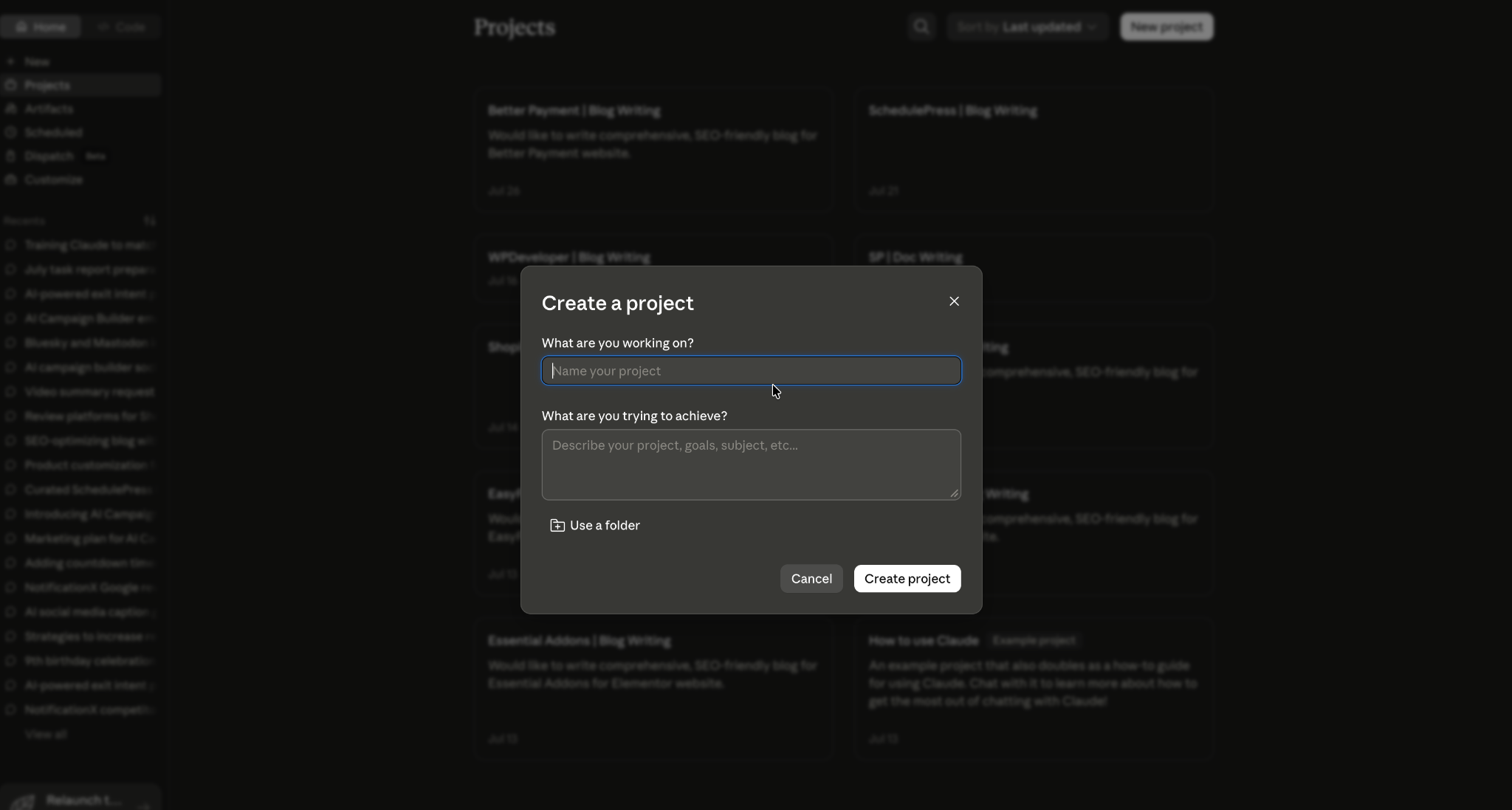
Create a Project for your brand and load its knowledge base with the reference material Claude should always have on hand:
- Your brand voice document from earlier
- A short list of your products or services and how you describe them
- Examples of copy that worked (and, optionally, examples that missed)
- Any hard rules, claims you can not legally make, competitors you do not name, phrases you have banned
Then add Project instructions that set the behavior: who the audience is, what the goal of most copy is (conversions, clarity, reassurance) and any structural defaults. Now every conversation inside that Project starts with your full context already in place. You stop repeating yourself and Claude stops drifting back toward generic defaults halfway through a session.
Pair the Project with your custom Style and you have got both halves: knowledge and voice, working together. That combination makes it much easier to customize Claude for your brand while keeping the output consistent across different conversations.
Step 4: Set Account-Wide Instructions (Optional but Handy)
If there are rules that should apply no matter what you are working on- “always write in British English,” “never use exclamation points in headlines,” “default to plain language over jargon”- put them in your account-level Instructions for Claude.
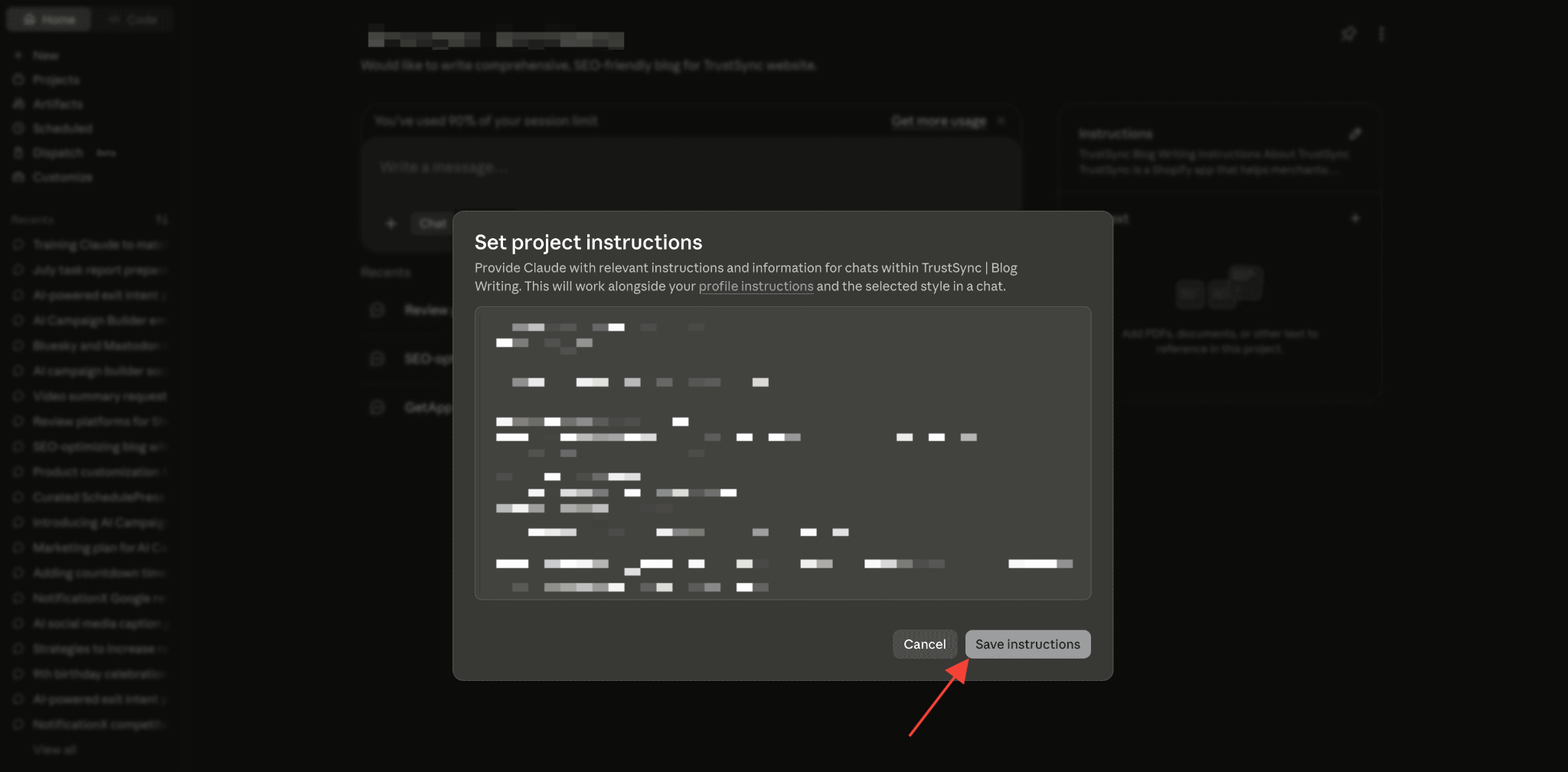
These apply everywhere and save you from re-stating the basics. Keep them broad; save the campaign-specific detail for Projects and Styles.
Step 5: Test, Then Refine
Do not trust the setup until you have stress-tested it. Run a handful of real requests through your new Style and Project and watch how it handles different situations:
- A short piece vs. a long one
- A technical topic vs. a simple one
- Different formats: a blog intro, an email subject line, a two-sentence notification
Where the output drifts, correct it in plain language and update the Style or the Project’s knowledge base so the fix sticks. Brand voice training is not one-and-done; it is a short feedback loop that gets sharper each time you use it.
This is how to create a consistent AI brand voice instead of relying on the same generic output every time. In other words, this is how to create a consistent AI brand voice that can hold up across different formats.
Where This Pays Off: Your High-Impact Microcopy
Here is the part WordPress marketers underrate. Everyone thinks about brand voice for blog posts and landing pages. Almost nobody thinks about it for the notifications and alerts that appear at the exact moment a visitor is deciding whether to act.
That is a mistake, because those moments convert. When you are using PemberitahuanX to display sales notifications, social proof popups, announcement bars or FOMO alerts, that copy is small but mighty and it should sound just as much like your brand as anything else on the page.
Once your Style is set up, you can ask Claude for exactly this kind of microcopy and get on-brand results in seconds. For example:
“Using my brand voice, write five variations of a live sales notification for NotificationX. Format: [Name] from [City] just purchased [Product]. Keep it warm, under 12 words, no fake hype.”
Or for an announcement bar:
“Write three announcement-bar messages for a weekend sale, in my brand voice, each with a clear call to action and no exclamation-point stacking.”
Because Claude already knows your tone, your banned words and your audience, you are not editing generic output into shape: you are picking your favorite from options that already sound like you.
That is the real value of a Claude brand voice: the AI starts from your established style instead of making you correct its voice from scratch. That consistency, carried all the way down to a two-line popup, is what makes a brand feel coherent and trustworthy instead of stitched together.
Common Mistakes to Avoid
A few traps that quietly sabotage the whole effort:
- Describing your voice instead of showing it. Adjectives like “professional yet approachable” underperform a single real writing sample every time.
- Setting it up once and never refining. The first version is a starting point, not a finished product. Small corrections compound.
- Confusing Styles and Projects. Styles handle voice; Projects handle knowledge. Trying to make one do the other’s job leads to frustration.
- Feeding it AI-generated samples. If your examples already sound generic, you are teaching Claude to stay generic.
- Overloading urgency. Especially in FOMO and sales copy, real social proof beats manufactured panic. Let the notification do the persuading; keep the language honest and on-brand.
Train Claude Like It Speaks Your Brand
Getting Claude to sound like your brand is not about hunting for a magic prompt. It is about building a system that helps you train Claude to write like your brand every time you use it. If you have been searching for how to train Claude to write like your brand, the steps above give you a repeatable starting point.
It is about giving Claude the same onboarding you would give a talented new writer: a clear voice guide, real examples to learn from, the context to understand your business and a bit of feedback along the way.
Put in that upfront work once and every piece of content afterward- from a 1,500-word guide down to the smallest sales notification popping up in the corner of someone’s screen, arrives already sounding like you.
In a web space where more and more content is AI-assisted, a consistent, human, unmistakably-yours voice is one of the few things that still makes a brand stand out. Especially in the small copy that shows up right when it matters most.
Do not forget to berlangganan blog kami for more informational guides on AI. Join our Komunitas Facebook to discuss the latest community trends and discussions






 English
  Arabic
  Indonesian
  Spanish
  Portuguese
  German
  Dutch
Dutch  Russian
  Hindi
Hindi  French
  Japanese
  Chinese
  Vietnamese
  Malay
Malay